





















Optimize Your Virtual Reality Experience
OVR Advanced Settings is a powerful utility for every VR enthusiast. This tool adds a rich layer of customization to your SteamVR dashboard. You can gain access to many features that the standard interface lacks. For example, you can adjust your floor height with a single click. Many users find this essential for maintaining a realistic perspective in games. You can also manage your play space boundaries more effectively. The software allows you to customize the chaperone system for better safety. You will feel more confident while moving in your digital world. This utility supports a wide range of popular VR headsets. It works seamlessly in the background while you play your favorite titles. Enhancing your hardware performance has never been this simple. Prepare to take full control of your virtual environment today.
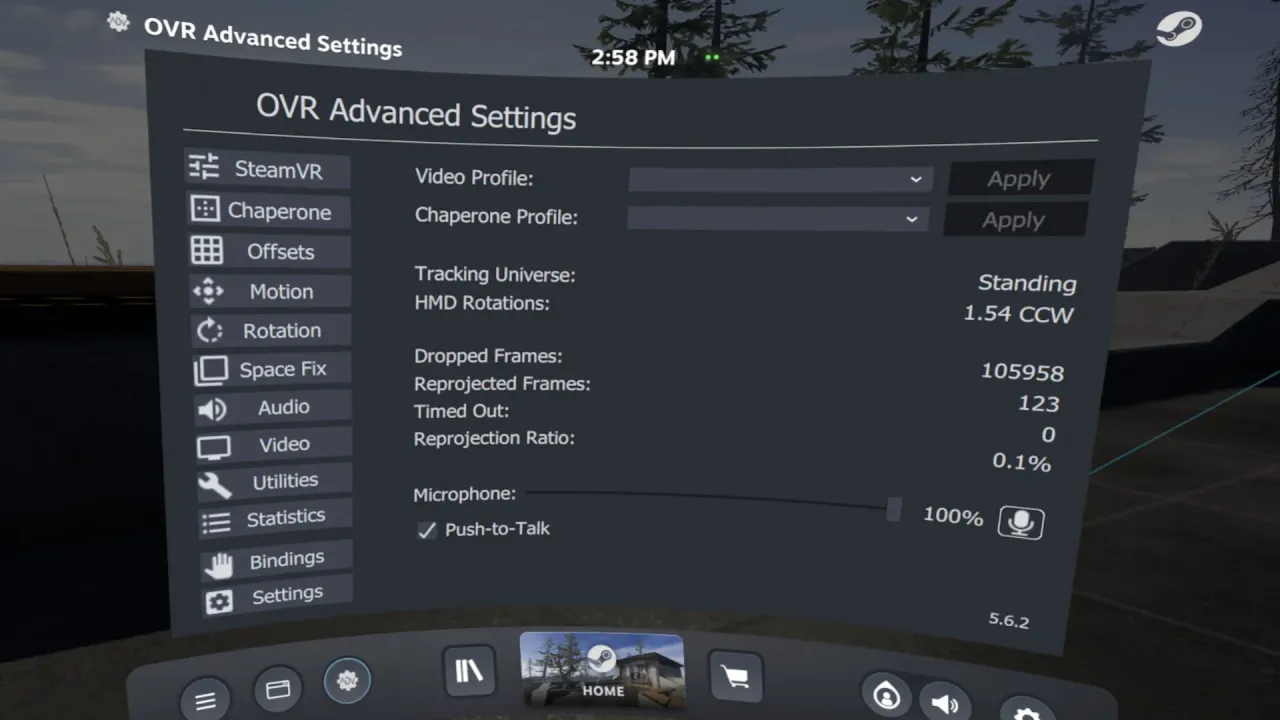
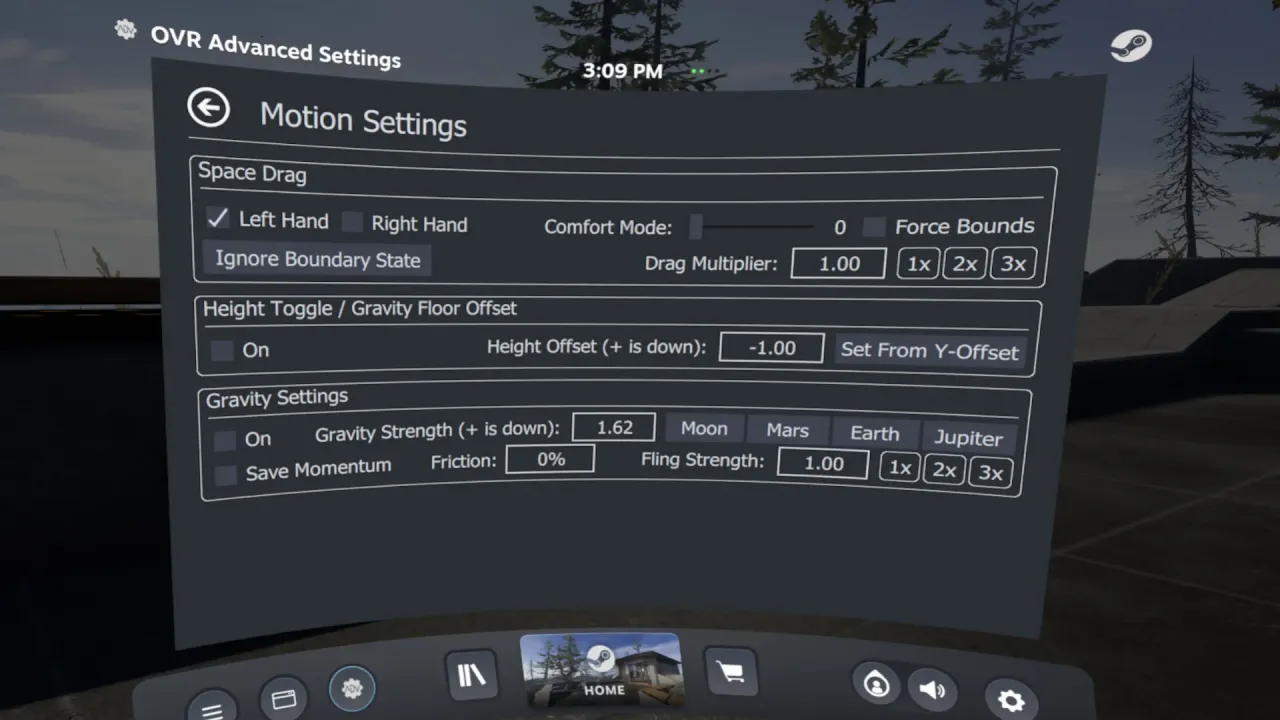
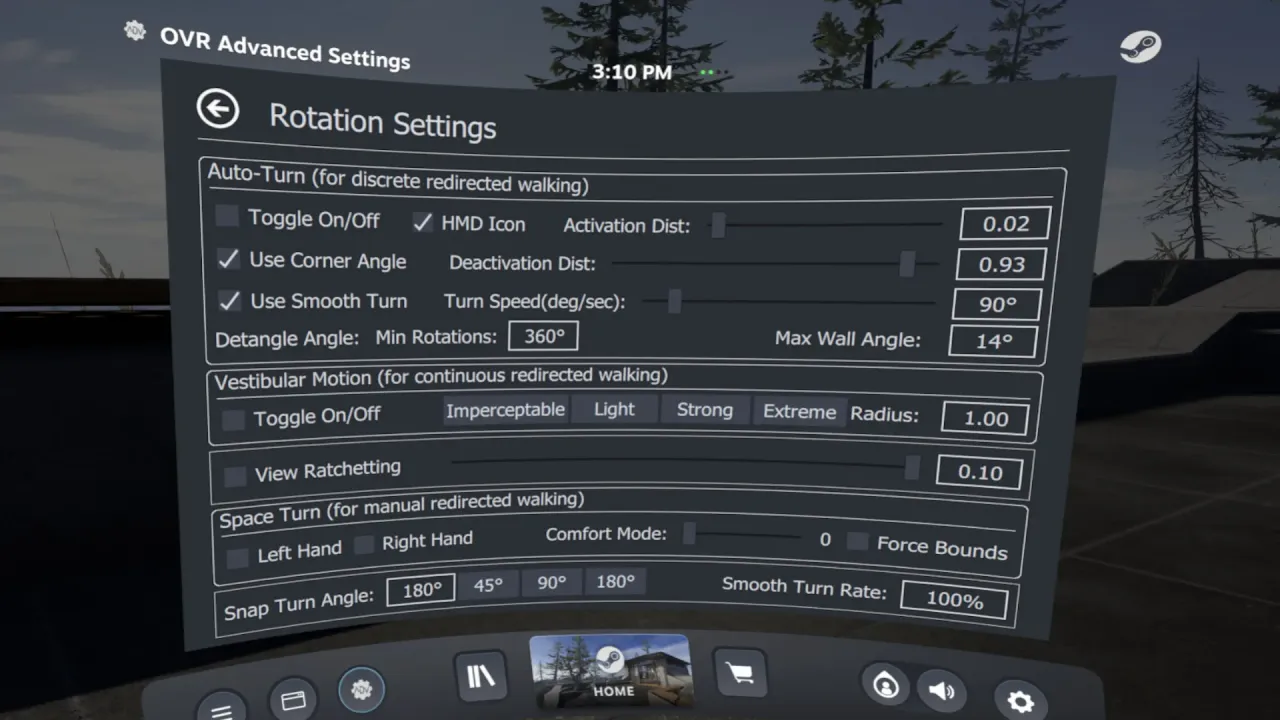
The core functionality focuses on deep technical control and user comfort. You can create custom audio profiles for different VR applications. This ensures that your microphone and speakers always work perfectly. Specifically, the software provides a detailed overlay for real-time adjustments. You do not need to take off your headset to change settings. Many power users enjoy the advanced movement features. You can simulate walking or adjust your rotation via the controllers. Moreover, the tool tracks your cable rotations to prevent tangles. This prolongs the life of your expensive VR hardware. In addition, the interface is clean and stays responsive under heavy load. You will find that it solves many common VR annoyances. It is a must-have for anyone seeking a premium experience.
Master Advanced Calibration and Controls
Fine-tuning your VR setup requires a versatile and reliable tool. You must learn which settings improve your specific hardware setup. Firstly, try the automatic floor calibration for a perfect standing height. Furthermore, the software features a robust macro system for complex actions. You can bind several commands to a single controller button. This adds a great layer of convenience to your gaming sessions. Moreover, you can monitor your system performance through the built-in overlays. These digital charts show your frame times and hardware usage. Additionally, the developers offer consistent updates to support new VR tech. Success depends on your willingness to explore the deep menus. Therefore, you can eventually achieve the perfect calibration for your room. The possibilities for customization are truly impressive.
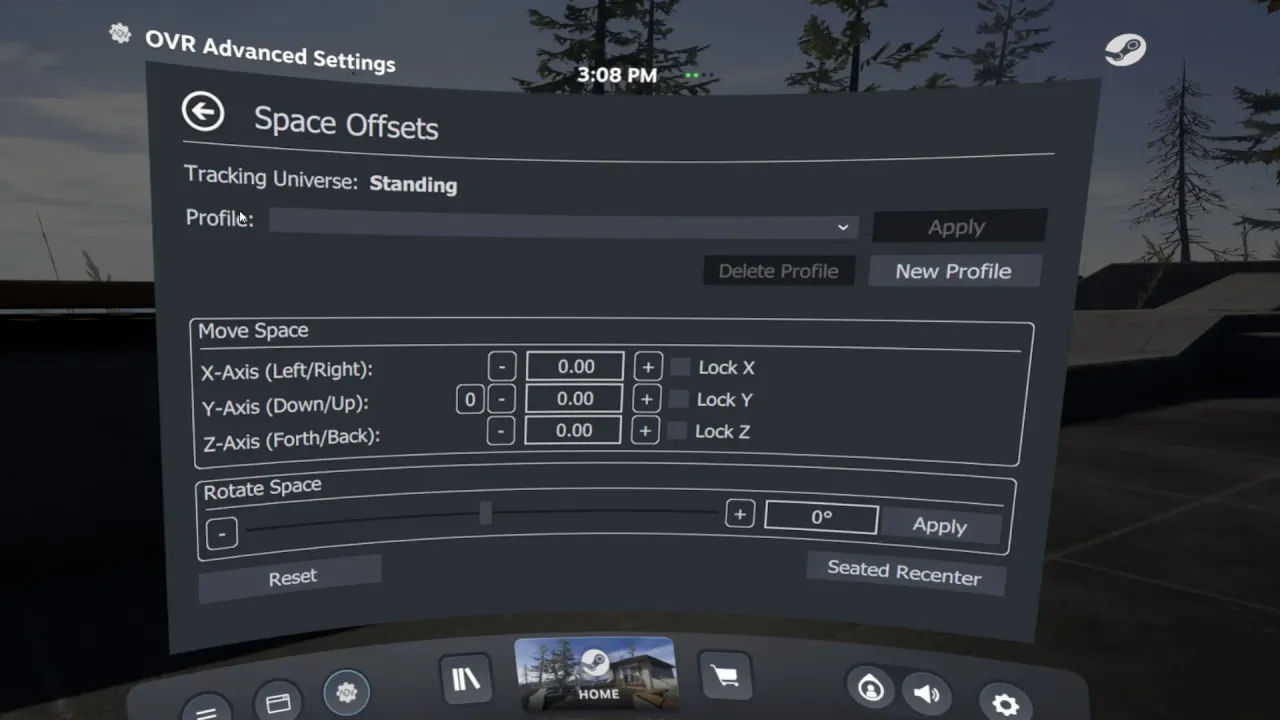
The different tabs within the utility offer specialized tools for every task. You can find sections for audio, space, and motion settings. Specifically, the team focused on making the dashboard easy to use. Therefore, you should always check the help tooltips for detailed information. You can also visit the Official Steam Store for the latest patch logs. Many community members share their best profile settings online. In addition, the software is well-optimized for a consistent PC experience. Consequently, you will enjoy fluid performance even during high-end VR gaming. It is a top-tier choice for serious hardware enthusiasts. You will find value in every unique feature of this tool. Prepare to start your optimization right now. Your global journey into better VR begins today.
How to Activate Your OVR Advanced Settings Steam Key Global
Redeeming your digital product is a simple and fast process. We provide a legitimate OVR Advanced Settings Steam Key Global for your utility collection. Because this is a digital asset, you can begin immediately. You do not have to wait for any physical delivery. Digital activation is the modern way to access premium VR tools. Specifically, these codes work in all regions across the globe. Consequently, you can activate the software from any location easily. We focus on providing a secure delivery for every customer. Therefore, you can start the installation shortly after purchase. Your digital security remains our primary concern at all times. It is a reliable method for tech-savvy users.
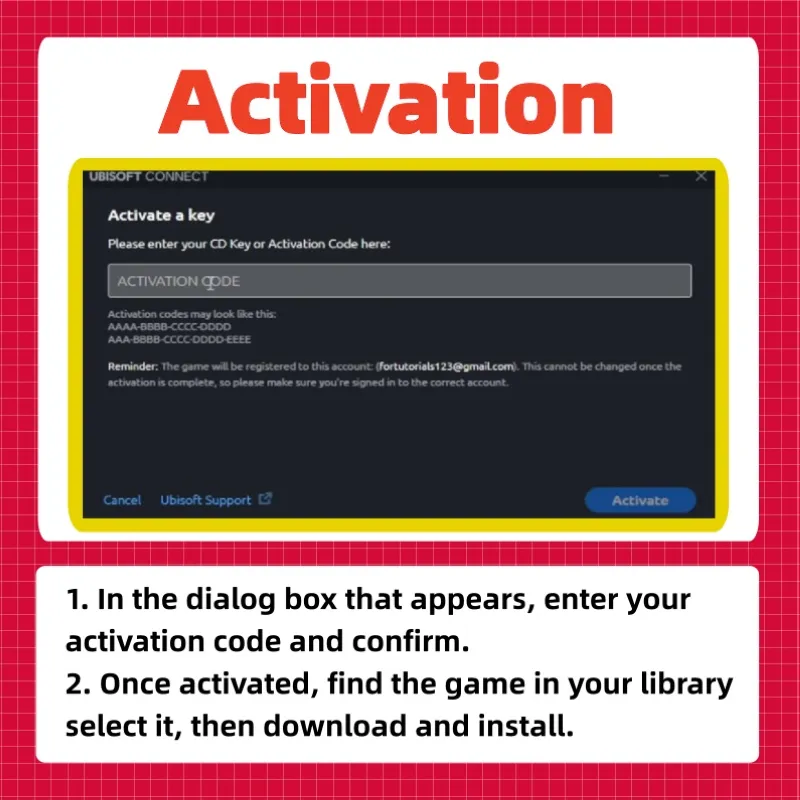
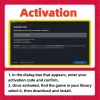
The activation steps are straightforward for every PC user. First, open your client and log into your personal account. Next, find the “Games” menu at the top of the window. After that, select the option to activate a product. Carefully enter the unique code provided in your order. Once the system verifies the key, the tool appears in your library list. Consequently, you can then activate the software installation on your drive. The background process will handle the file transfer automatically. Finally, you are ready to optimize your headset. It is a seamless experience for every user. You are just a few clicks away from a better VR world.
Professional Support for Your Digital Utility
We want you to have the best possible experience with our service. For this reason, our support team is always ready to help. If you find the activation steps difficult, please let us know. Specifically, we can guide you through the process step by step. Furthermore, we resolve all technical concerns with great speed. Your satisfaction is our top priority at all times. Therefore, we maintain a high standard for our digital products. In addition, you can trust us for a reliable and safe transaction. Our commitment to quality ensures a smooth start to your project. We want every customer to feel confident in their choice.
For direct assistance, please visit our contact page. We respond to every message as quickly as possible. However, please check your PC hardware specs before you activate the product. This ensures the advanced simulation runs smoothly for you. Additionally, a stable internet connection is best for the initial setup. Finally, we value your business and hope you enjoy the software. Prepare to find your focus and seek your glory today. Your adventure starts the moment you enter your digital code. Simply activate the key and begin your journey. In short, the advanced world of OVR is yours to conquer.
“`