



















Enhance Your Virtual Reality Multitasking Experience
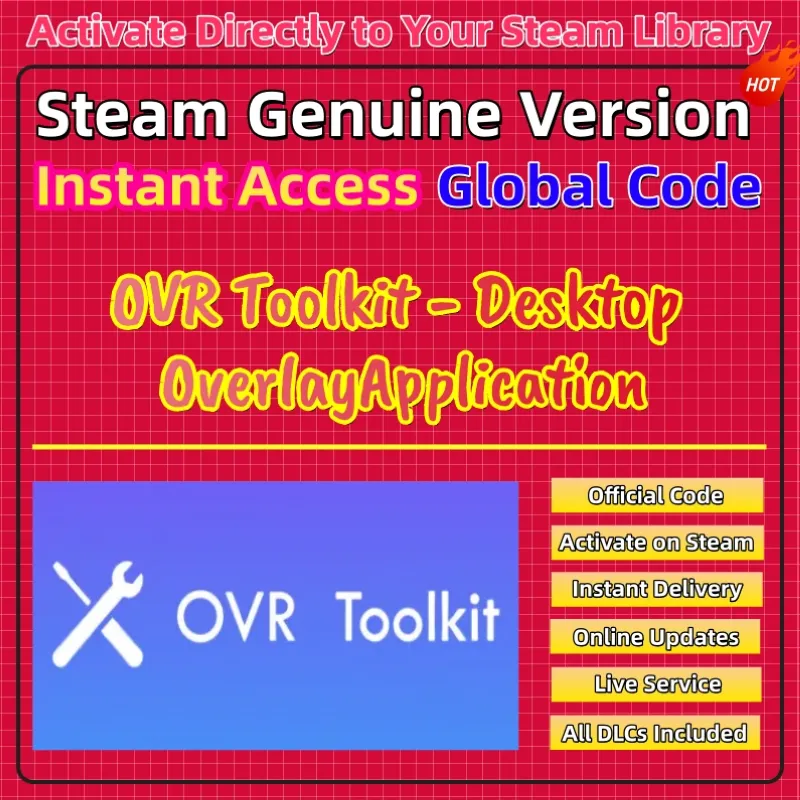
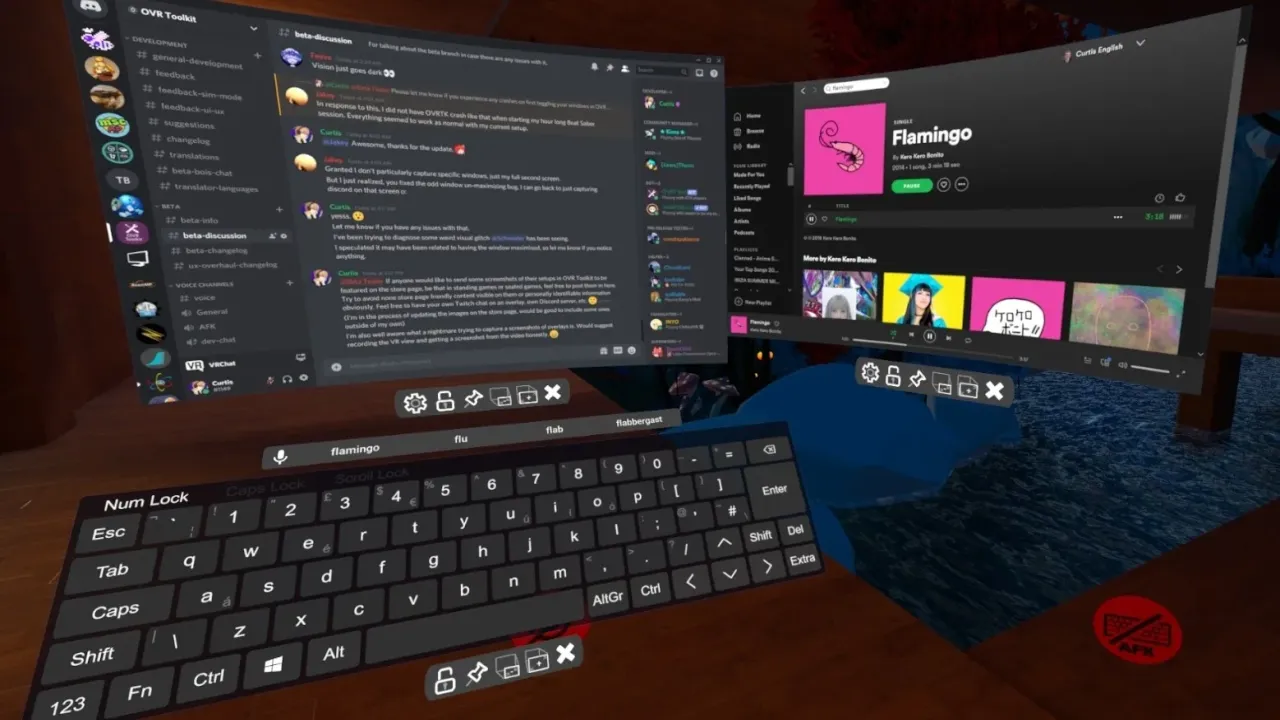
OVR Toolkit serves as a powerful utility for VR enthusiasts. It allows you to view your desktop windows inside any VR application. This software works seamlessly with SteamVR and supports many headsets. You can easily bring your favorite apps into your virtual space. For example, you can watch videos or check chat windows while playing. The interface feels intuitive and stays out of your way. You can pin windows to your wrists or leave them in the world. This tool significantly improves your overall productivity in VR. Firstly, you should set up your layout to suit your needs. Furthermore, the performance impact remains very low on most systems. You will enjoy the ability to stay connected to the outside world. Every session becomes more efficient with this helpful utility. It is an essential choice for power users in the VR community.
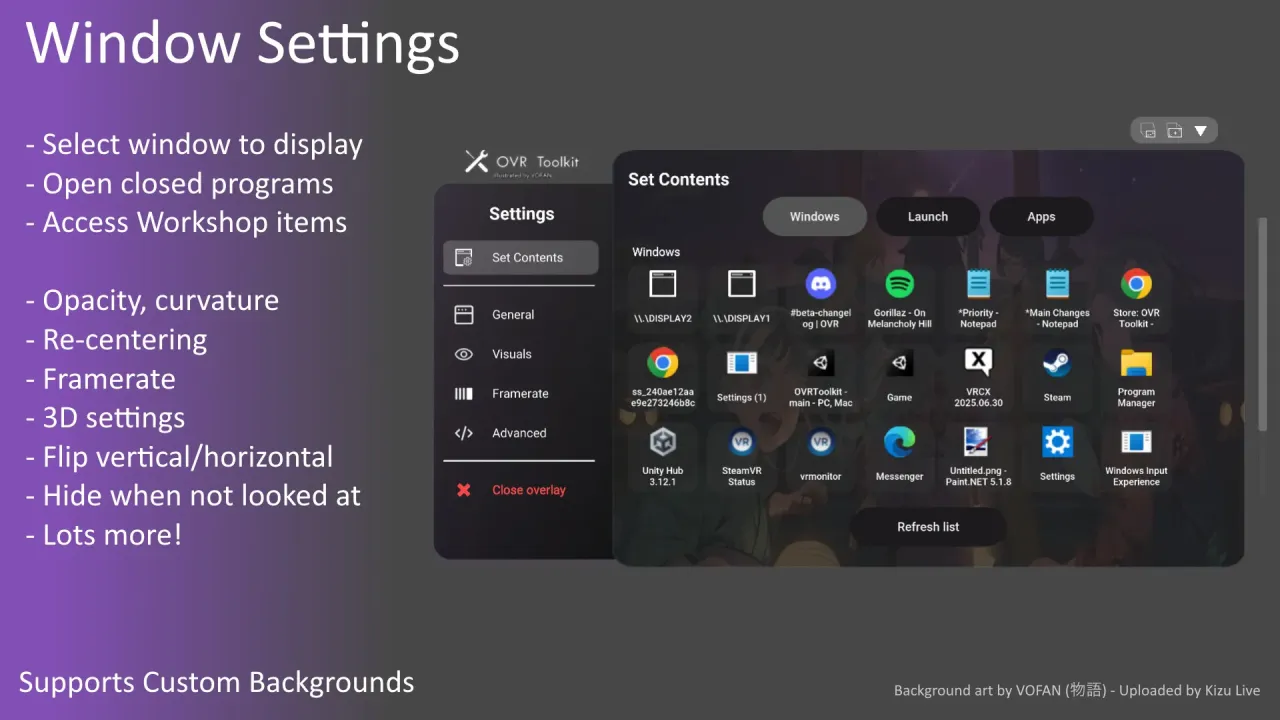
The customization options in this toolkit are incredibly diverse. You can adjust the size, opacity, and curvature of every window. Specifically, you can create a workspace that fits your physical environment. You can even set up hotkeys for quick window management. Moreover, the tool supports multi-monitor setups without any hassle. You can move windows between screens within your virtual view. In addition, the developer provides regular updates to ensure compatibility. Therefore, you should always check for the latest features. Every update brings new ways to improve your virtual workflow. As a result, you will find it much easier to manage complex tasks. You will love the convenience of having your desktop at your fingertips. The virtual office is now yours to control.
Master Your Virtual Workflow with Desktop Overlays
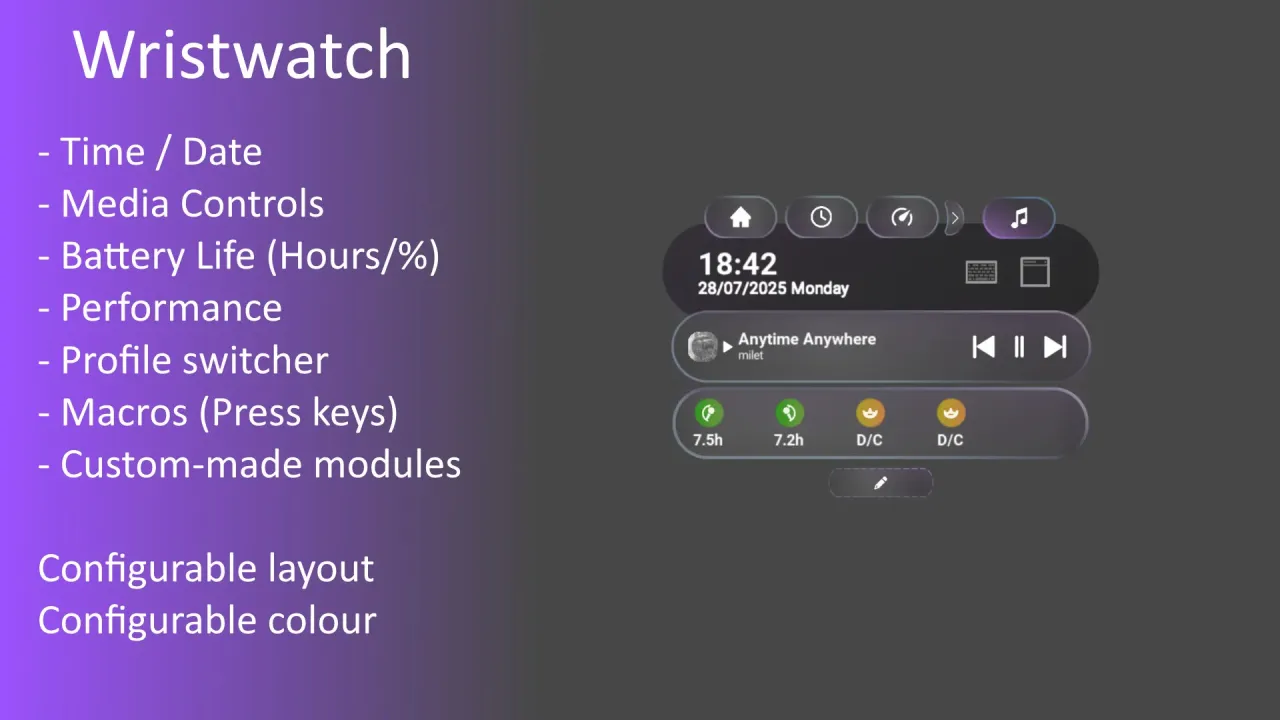
Achieving a high level of focus in VR requires the right tools. You must learn how to organize your windows for maximum speed. Firstly, identify the apps you use most during your VR sessions. Furthermore, the software features a useful watch overlay for system stats. You can monitor your battery life or the current time easily. This adds a layer of convenience to long gaming or work sessions. Moreover, you can use the virtual keyboard to type without removing your headset. These small details make a big difference in daily use. Additionally, the visual quality of the overlays is sharp and clear. Success depends on your ability to multitask effectively. Therefore, you can eventually master your digital life within VR. The challenge of switching windows is gone. Prepare to work today.
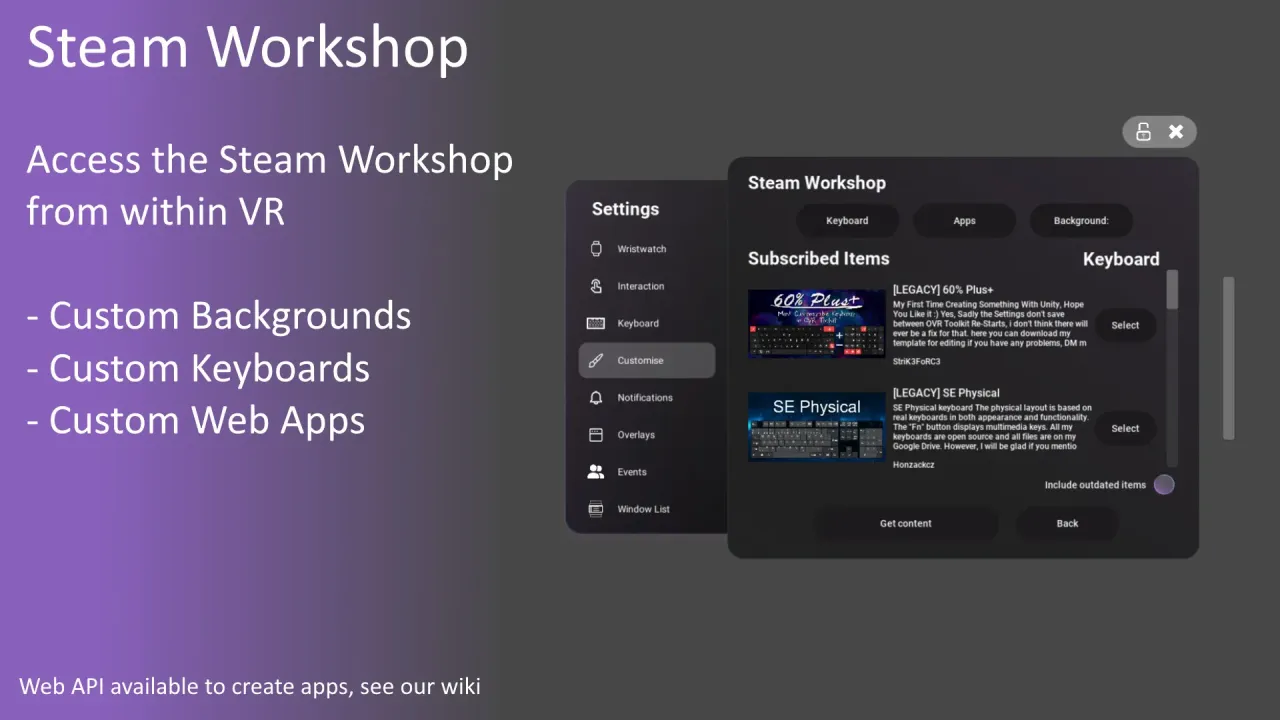
The various display settings offer unique configurations for every user. You will find comfort in the smooth tracking and stable windows. Specifically, the software introduces advanced features like window eco-mode. Therefore, you should experiment with settings to save system resources. You can also visit the Official Steam Store for detailed guides. Many users share their custom profiles and tips online. In addition, the software is well-optimized for a fluid experience. Consequently, you will not feel any lag while moving your windows. It is a top-tier utility for fans of virtual reality and multitasking. You will find joy in a more connected VR world. Prepare to upgrade your setup right now. Your enhanced journey starts here.
How to Activate Your OVR Toolkit Steam Key Global
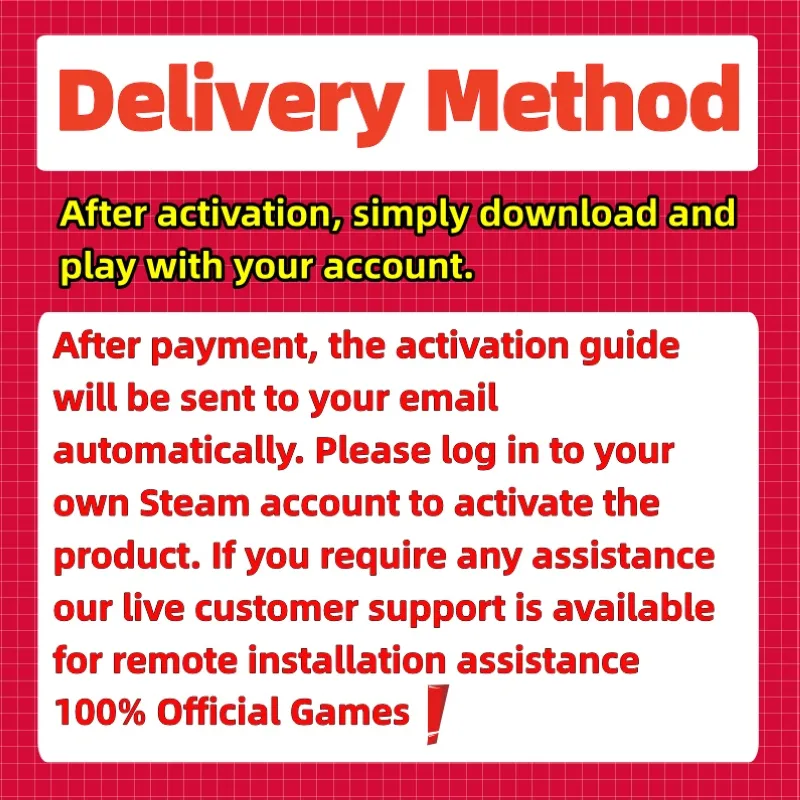
Redeeming your digital product is a simple and fast process. We provide a legitimate OVR Toolkit Steam Key Global for your software collection. Because this is a digital asset, you can begin immediately. You do not have to wait for any physical delivery. Digital activation is the modern way to access PC utilities. Specifically, these codes work in all regions across the globe. Consequently, you can activate the software from any location easily. We focus on providing a secure delivery for every customer. Therefore, you can start the installation shortly after purchase. Your digital security remains our primary concern at all times. It is a reliable method for VR users.
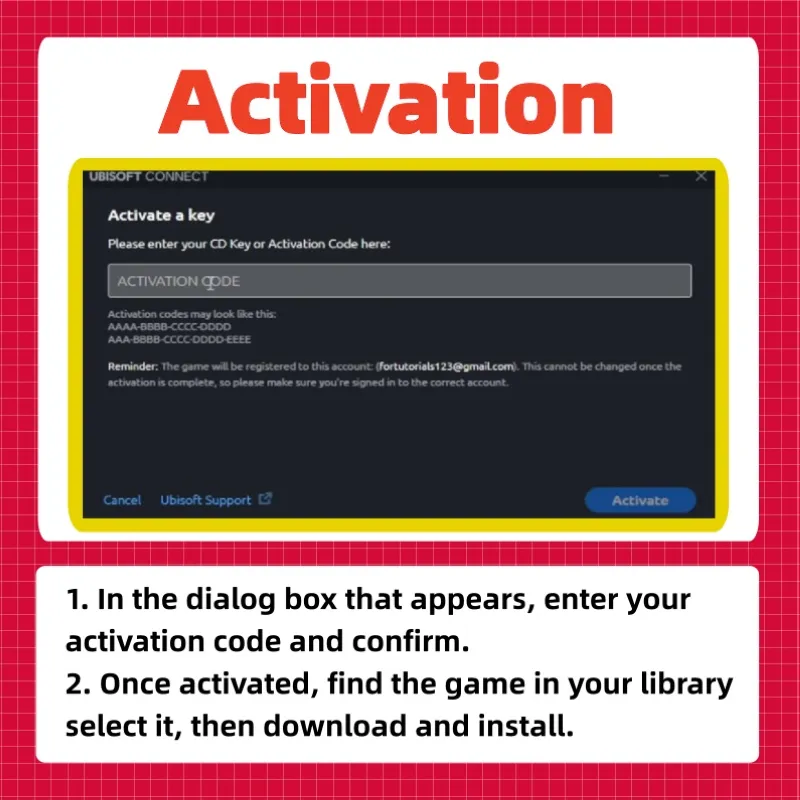
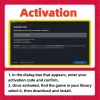
The activation steps are straightforward for every PC user. First, open your client and log into your personal account. Next, find the “Games” menu at the top of the window. After that, select the option to activate a product. Carefully enter the unique code provided in your order. Once the system verifies the key, the title appears in your library list. Consequently, you can then activate the software installation on your drive. The background process will handle the file transfer automatically. Finally, you are ready to launch your overlays. It is a seamless experience for every user. You are just a few clicks away from your desktop.
Professional Support for Your VR Productivity
We want you to have the best possible experience with our service. For this reason, our support team is always ready to help. If you find the activation steps difficult, please let us know. Specifically, we can guide you through the process step by step. Furthermore, we resolve all technical concerns with great speed. Your satisfaction is our top priority at all times. Therefore, we maintain a high standard for our digital products. In addition, you can trust us for a reliable and safe transaction. Our commitment to quality ensures a smooth start to your experience. We want every customer to feel confident in their choice.
For direct assistance, please visit our contact page. We respond to every message as quickly as possible. However, please check your PC hardware specs before you activate the product. This ensures the VR utility runs smoothly for you. Additionally, a stable internet connection is best for the initial setup. Finally, we value your business and hope you enjoy the software. Prepare to find your focus and seek your goals today. Your adventure starts the moment you enter your digital code. Simply activate the key and begin your journey. In short, the power of OVR Toolkit is yours to enjoy.